FoxBlox Demo
by Jeremy
About
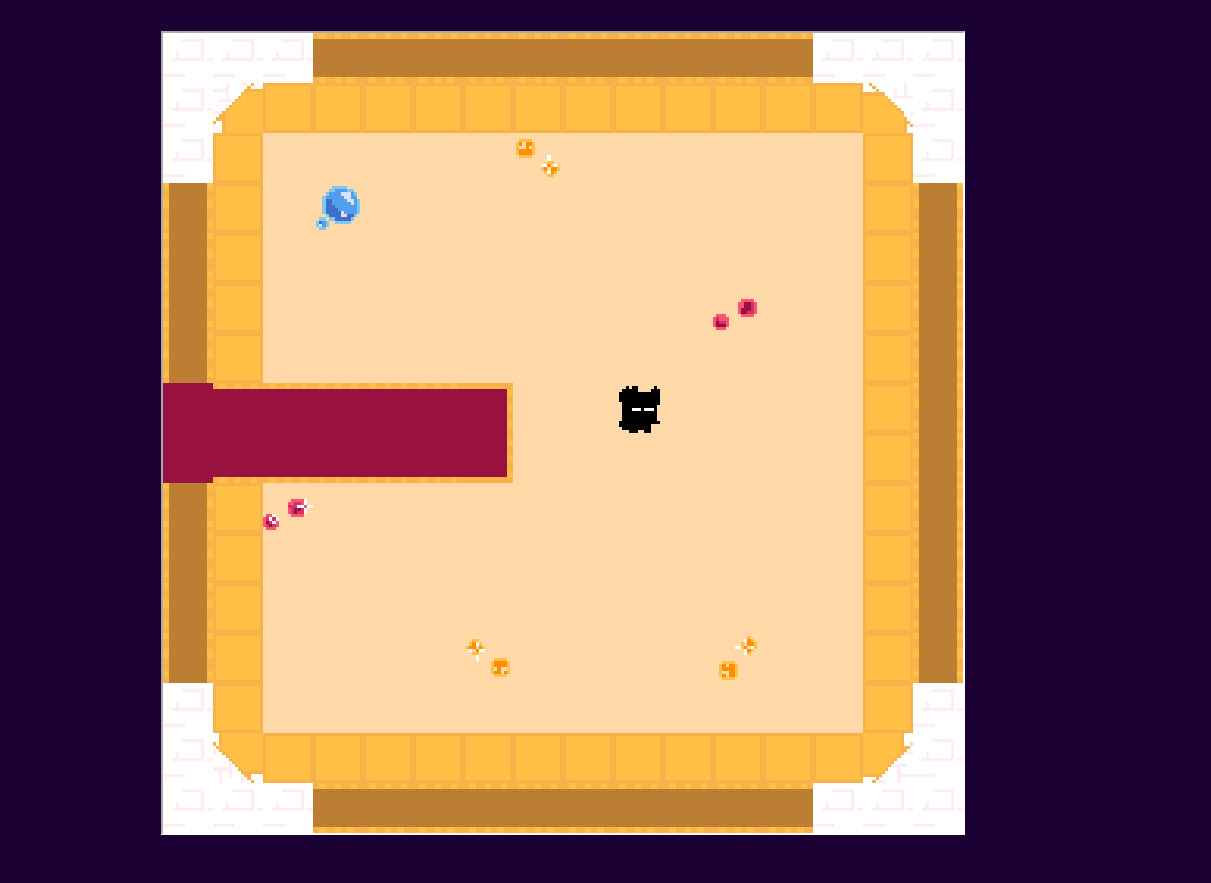
Controls - Click on Images to interact with them. All images (aside from the intro) are either interactive or animated. -Click the options in the pink dialog boxes to continue the scene, different choices for different options! -In the overworld, use arrow keys to move around and interact! -"SKIP" Option skips the current scene entirely. -"CW" Button shows spoilers for what kink is coming up. - The floppy disc in the UI saves your game, and the music note turns music on or off -"ITEM" is to...